
 Reviewed by Benjamin Tremblay, Tax & Retirement Finance · Last updated April 10, 2026
Remote work is a standard arrangement for many Canadian businesses. As an employer, you play a central role in helping your team manage the costs of their home offices.
While you are not legally required by the Canada Revenue Agency (CRA) to provide a T2200 (Declaration of Conditions of Employment) form, doing so is a significant benefit for your staff. It allows them to deduct legitimate employment expenses from their taxable income, effectively increasing their take-home pay at no direct cost to your company.
This guide provides a step-by-step breakdown of how to handle these forms and what your responsibilities are for the 2025 and 2026 tax years.
The T2200 Form
The T2200 is a certificate that an employer signs to confirm an employee was required to pay for certain expenses while performing their job. Without this signed form, the CRA will not allow employees to claim deductions for items like home internet, office supplies, or travel.
Key Conditions for Eligibility
For a remote worker to qualify for these deductions, they must meet specific criteria:
- Salaried Status: The individual must be a salaried employee, not a freelancer or independent contractor.
- Work Arrangement: You must require the employee to work from home under a formal telework arrangement (this can be a written or verbal agreement).
- Time Requirement: The employee must work from home more than 50% of the time for at least four consecutive weeks during the year.
- Usage: Alternatively, the employee must use their home office regularly and continuously to meet clients or customers as part of their job duties.
Eligible vs. Ineligible Expenses
It is important to guide your employees on what they can actually claim. The CRA distinguishes between “consumable” supplies and “capital” investments.
What Employees Can Claim
| Expense Category | Examples |
| Consumable Supplies | Ink cartridges, pens, paper, envelopes, and stamps. |
| Home Workspace | A portion of electricity, heat, water, and home internet access fees. |
| Maintenance | Minor repairs or cleaning services for the specific workspace. |
| Travel & Vehicle | Fuel, parking, and meals (if required to work away from the home office for more than 12 hours). |
What Employees Cannot Claim
- Capital Expenses: Desks, ergonomic chairs, monitors, and computers.
- Personal Use: The portion of utilities or internet used for non-work hours.
- Mortgage/Rent: Salaried employees cannot deduct mortgage interest or capital cost allowance. Rent is only deductible in specific cases where a separate office is leased.
Step-by-Step Guide for Employers
To support your remote workforce, follow these steps to ensure compliance and accuracy.
1. Identify Eligible Employees
Review your payroll and employment contracts. Identify who has been working remotely for more than 50% of the time. In 2024 and beyond, the CRA has removed the “temporary flat rate” method, meaning every employee must now use the “detailed method” and requires a T2200.
2. Download the Correct Form
Ensure you are using the most recent version of the form. The CRA frequently updates the layout.
- Standard T2200: For most employees.
- TP-64.3-V: Required specifically for employees residing in Quebec.
You must download the accessible fillable PDF to your computer. Use Acrobat Reader 10 or later to open the file. Do not click the link to open it in your web browser. Download pdf
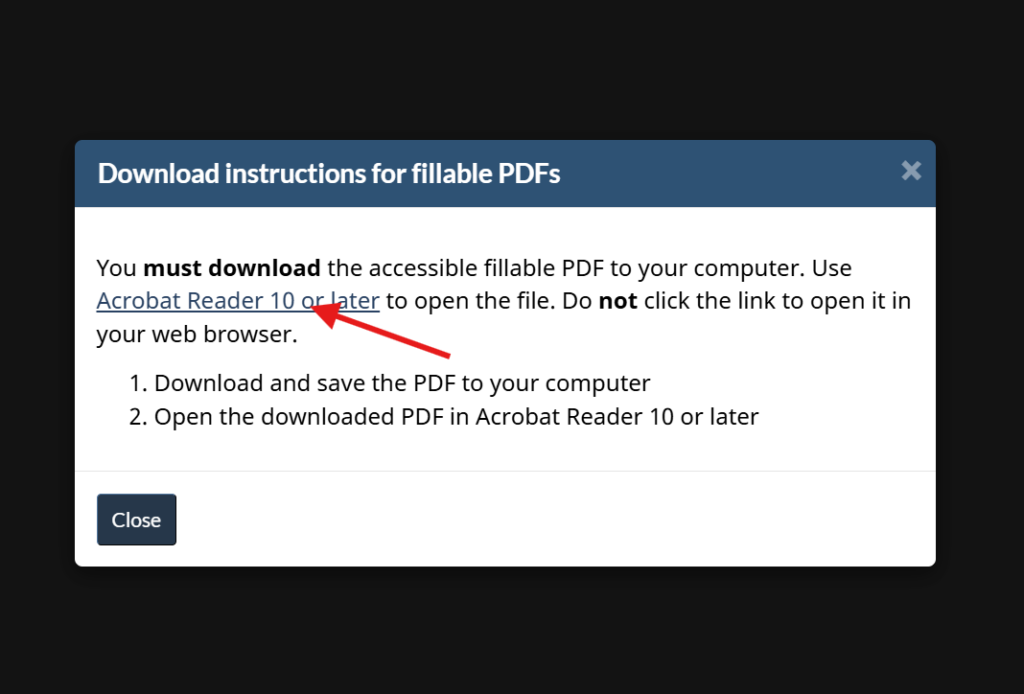
- Download and save the PDF to your computer
- Open the downloaded PDF in Acrobat Reader 10 or later
3. Complete the Declaration
You do not need to list every dollar the employee spent. Instead, you are certifying that they were required to pay these expenses.
- Section A: Employee information.
- Section B: Questions regarding the conditions of employment. You will answer “Yes” or “No” to whether you required them to pay for supplies, travel, or a home office.
4. Provide a Digital Signature
The CRA now accepts electronic signatures on T2200 forms. This simplifies the process for remote-first companies. Once signed, send the PDF to your employee via a secure email or HR portal.
Contact Information and Resources
For the most accurate and up-to-date information, refer to the official government portals.
Canada Revenue Agency (CRA)
- Website: Canada.ca/en/revenue-agency
- Phone: 1-800-959-5525
- Address: 875 Heron Road, Ottawa, ON K1A 1A2
Revenu Québec
- Website: RevenuQuebec.ca
- Phone: 1-800-267-6299
- Address: 3800, rue de Marly, Québec, QC G1X 4A5
Application Portals
- Download T2200: CRA Forms List
- Download TP-64.3-V: Revenu Québec Forms